Being a blogger, I often find design elements on the web for my posts or my blog in general. It’s becoming a very common experience for bloggers to know a thing or two about web design. I’m guessing it is the web that taught us to be quasi-designers by offering us lots of easy-to-use tools that help us create just about everything we need: photo-editing, widgets, logos, buttons, and yes, fonts as well. Fonts are a big focus of the Web2.0 era—they are now bigger, cleaner and smoother, especially when it comes to logos.
Can you imagine Techcrunch’s logo looking like this? It’s all dependent on font choice. (in case you were wondering BTW, Twitter’s font is mostly Pico created by Maniackers Design)

Regardless of the fact that the web makes it easy for everyone to be more creative (i.e., logo above), it becomes a paradise for designers themselves who seek new tools & inspiration. So whether you’re a professional graphic designer, or an amateur web publisher this list of font tools might come in handy (eventually).
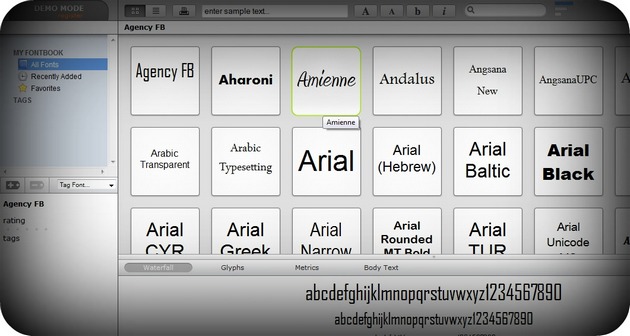
myFontbook is an online font viewer and manager based on the font available on your computer. It allows you to organize your font collection and gives you all the tools you need to do so. Once you open the demo, myFontbook will render all the fonts in your computer, and display them together in an easy to view mode. While all the files are actually open, it makes it easier to browse through them and see the fonts in several sizes. You can also make lists of fonts, tag & favorite the fonts that you like best. The font viewer renders your entire font library super fast. Just compare the rendering time to other font management tools. And there’s nothing to install—it works from your browser. If you want to save all your activities for later use, you’ll need to register. But don’t worry, it’s free.
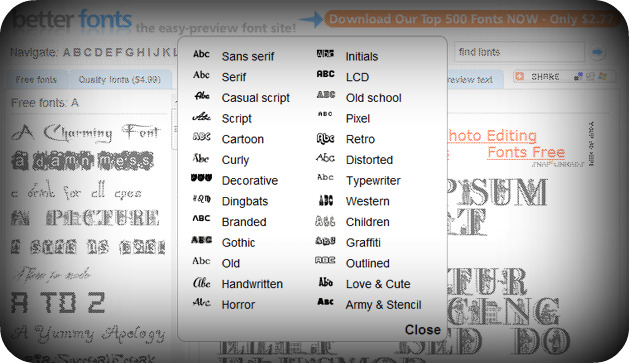
With BetterFonts, an online font database, you can quickly preview and download thousands of fonts. Navigate the massive collection by alphabetic order or browse the fonts by their categories. You can change the preview text of your desirable font and instantly download it for free. Although the site provides an impressive list of fonts, for the quality ones you’ll need to pay. But they have a deal of a 500-font package for $2.77. Please note that there’s no preview of the font list in advance—which might be a risky deal if you want something in particular (but then again, it’s cheap).
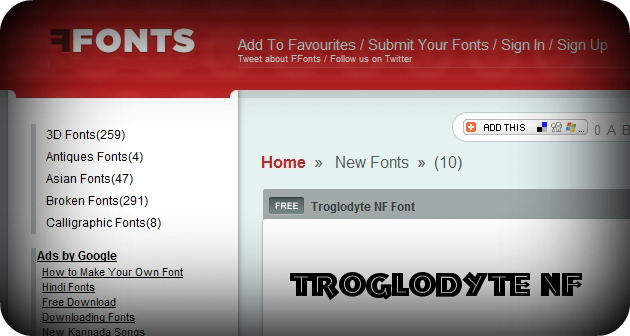
Most of us usually use only one font (probably Arial), ’cause unless you’re a designer, you don’t give much thought to fonts. But hey, there’s a world of fonts out there that is just waiting for exploration, and FFonts is a good site to start with. FFonts has a huge font library and it allows you to navigate easily, and download any font for free. All the fonts on the site are listed on the left side menu for easy access, and clicking on a font gives you information plus a satisfying preview of the font. Overall, the site hosts more than 10,000 fonts!
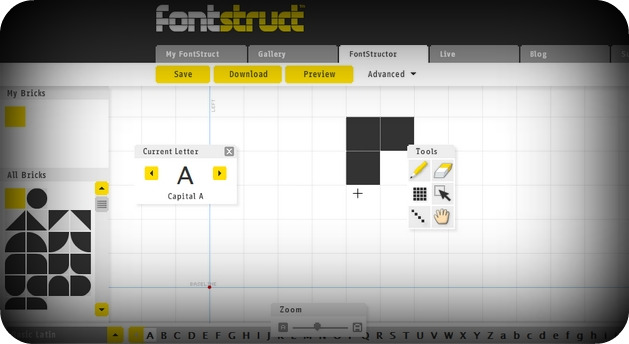
If you don’t find anything you like, and are still looking for that special font to make an appearance, you are more than welcome to create it yourself with FontStruct. Sign into the service and with FontStruct’s font-building tool & editor, you’ll be able to create fonts constructed out of geometrical shapes, which are arranged in a grid pattern, like tiles or bricks. Once you’re done building, FontStruct generates high-quality TrueType fonts, ready to use in any Mac or Windows application.
You can share your creations with the world or save it for yourself, but FontStruct actually encourages you to share your fonts with others, this is why they’ve created a gallery where people can share and discuss fonts, and download them for free. A quick look at the community taught me there is a lot of going on there—definitely worth the visit if fonts interest to you.
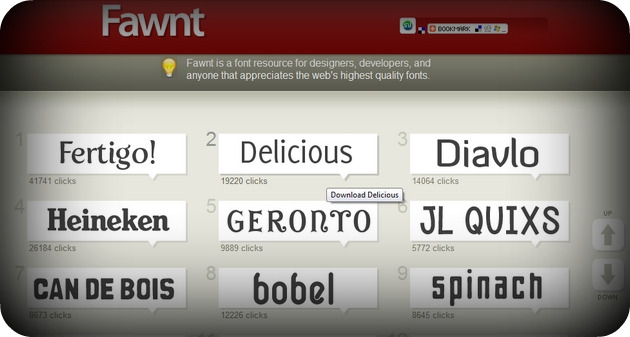
Fawnt is also one of the largest free fonts archives on the web today. With a pleasant design and an easy to use navigator, you are one step away from finding the perfect font. Browse the fonts by category or alphabetically, or use the search function. All the fonts have large and customizable previews, and character maps. Be aware though that while all of the fonts in Fawnt are free, they might have some restrictions. Some may be free for personal use, others for commercial. When you visit a font link make sure to browse the page for any fine print or usage terms.
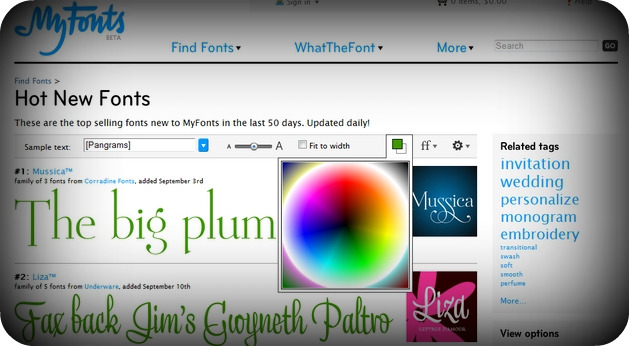
With 62,000 fonts, Myfonts has the world’s largest font database. Not only can you search for fonts, explore everything in their gallery, and download the fonts to your computer, you can also find fonts based on a picture with their service WhatTheFont. Simply upload a file, or specify a URL, and myFonts will find the font used in the picture you uploaded (or at least, give you some close alternatives to this font). If you’re a designer, I’m sure you can see how important a service like this can be to the industry.
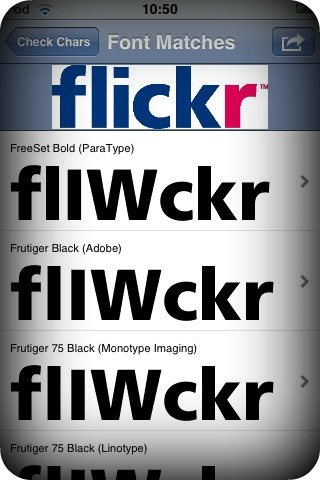
myFonts recently released a great iPhone app that does the same thing and helps you find a font while on-the-go. You can snap a photo with the app, and save it to your gallery. For iPod users, you are asked to upload a file from your iPhone gallery, then myFonts will process and optimize the photos and provide you with the font’s details.
Finally, it allows you to receive or send the results by email. For a free & direct download click here.
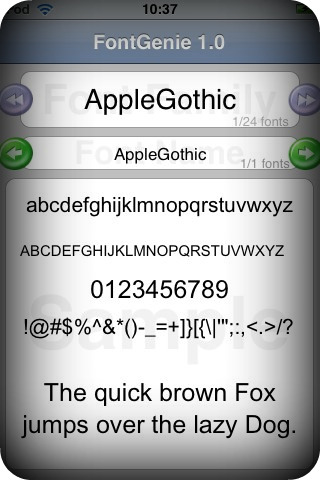
Another free iPhone app is FontGenie – The app displays all available fonts on your iPhone and allows you to keep track of ever-changing font families and their font types.
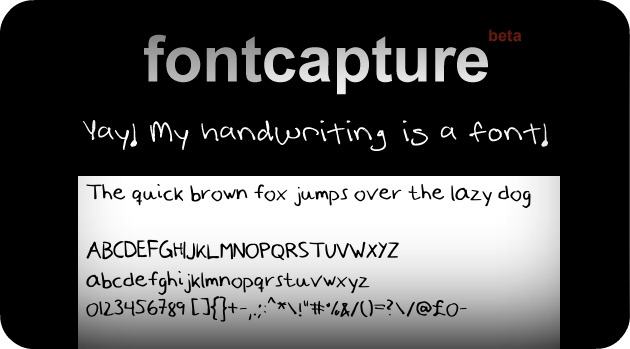
A super cool idea is to actually create a font with your own handwriting, so you’ll be able to insert it wherever you need to place your signature on the web. Luckily, Fontcapture took the idea and made it possible, which means you can create your handwriting font right now if you want to, all you need is a printer and a scanner.
How it works: First, you need to download the font template, print it, fill it in with your own handwriting, scan it and upload it to the site. Then you’ll be able to preview and download the new font to your font library, located on your computer.
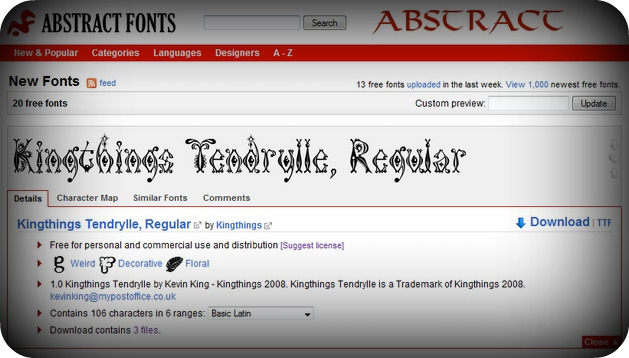
Abstract Fonts is not very different than the other font directories suggested here but it has a very convenient interface. Abstract Fonts lets you type in text to view font examples, opens a unique menu for each font which summarizes the information you need to know about that font, see the character map, and display users’ comments. Abstract also gives you the ability to see similar fonts, which I think is an absolutely brilliant addition.
Last but not least, here’s something to look for in the future:
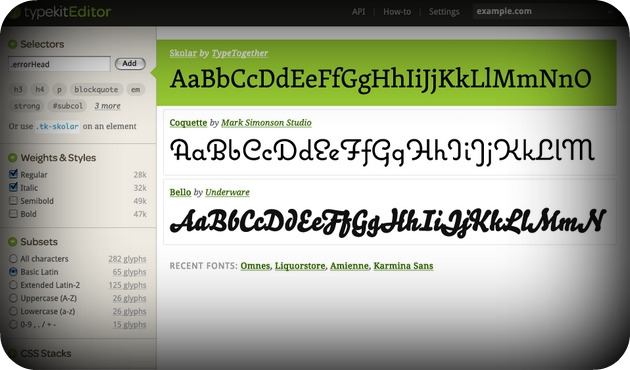
Typekit, a new font editor will offer designers more control over fonts on the web.
Today, almost all Web fonts are protected by copyright, and very few of them allow for linking via CSS or redistribution on the web. Typekit has been working with foundries to develop a consistent web-only font linking license.
Typekit will give you access to their protected library of high-quality fonts. You’ll just need to add a line of JavaScript to your markup, tell Typekit what fonts you want to use, and then craft your pages the way you always have. Except now, you’ll be able to use real fonts.
There’s still not enough information about this new service but based on the above, Typekit might definitely change web design. Unfortunately, the site is in closed beta (invitation only) so designers make sure you sign up for an invite. Meanwhile, check out the full list of fonts already available at Typekit. Also, Typekit has some interesting investors: Evan Williams, Ron Conway, Caterina Fake and True Ventures.