Service: Google Earth

Previous Profile: July 2, 2005
Launch Date: Just re-launched
What is it?
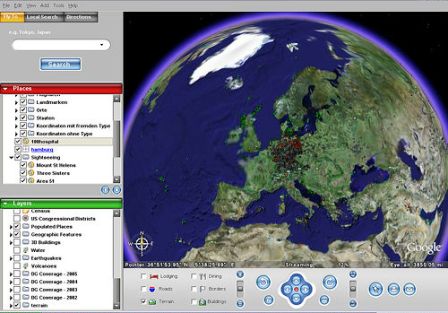
Google Earth combines satellite imagery, aerial photos, maps and Google Search create an interesting application that allows you to view just about anywhere on the planet in at least some level of detail. It is only available on the PC platform for now.
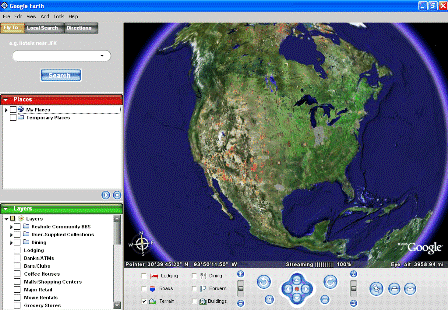
In their own words, “The idea is simple. It’s a globe that sits inside your PC. You point and zoom to anyplace on the planet that you want to explore. Satellite images and local facts zoom into view. Tap into Google search to show local points of interest and facts. Zoom to a specific address to check out an apartment or hotel. View driving directions and even fly along your route. We invite you to try it now.” Link
“Google Earth puts a planet’s worth of imagery and other geographic information right on your desktop. View exotic locales like Maui and Paris as well as points of interest such as local restaurants, hospitals, schools, and more.” Link
The idea is simple. The technology combines Keyhole (an acquisition) with other Google data and tools. The visual impact is stunning.
But what can you do with it?
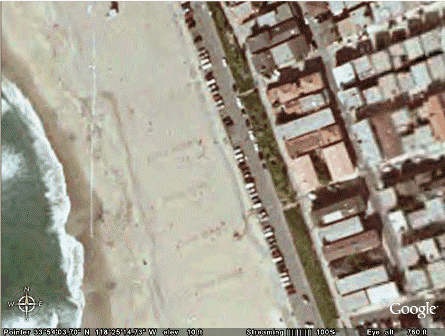
Well, lots of things. The first thing we did (and probably everyone else does) was to try and find an image of our home. Here’s where I live, in Manhattan Beach, California (its there in the middle on the beach, I swear):
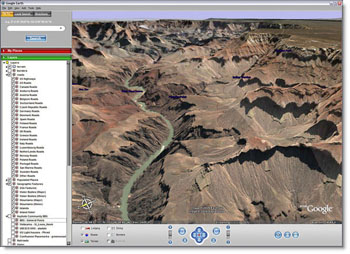
They showcase some really beautiful shots of famous places as well (link). Here’s the Grand Canyon, for instance:
Beyond the visual eyecandy, there are some useful productivity tools included as well:
– Fly from space to your neighborhood. Type in an address and zoom right in.
– Search for schools, parks, restaurants, and hotels. Get driving directions.
– Tilt and rotate the view to see 3D terrain and buildings.
– Save and share your searches and favorites. Even add your own annotations.
Link
The experience of changing from one location to another is fascinating. The application zooms out from your current location and moves along the globe to the new location, and then zooms in. You can move the screen location around with the mouse (just like google maps).
Minimum Configuration:
There is a 10 mb download.
– Operating system: Windows 2000, Windows XP
– CPU speed: Intel® Pentium® PIII 500 MHz
– System memory (RAM): 128MB
– 200MB hard-disk space
– 3D graphics card: 3D-capable video card with 16MB VRAM
– 1024×768, 32-bit true color screen
– Network speed: 128 kbps (“Broadband/Cable Internet”)
Link
Products:
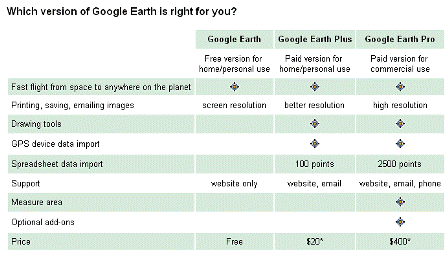
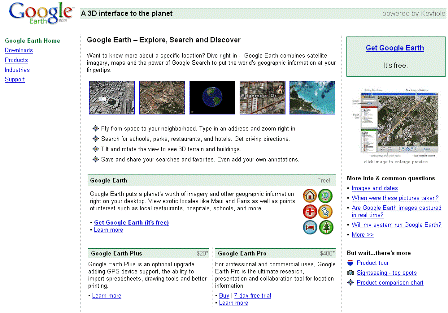
There are three products – Free, Plus and Pro. Comparison chart:
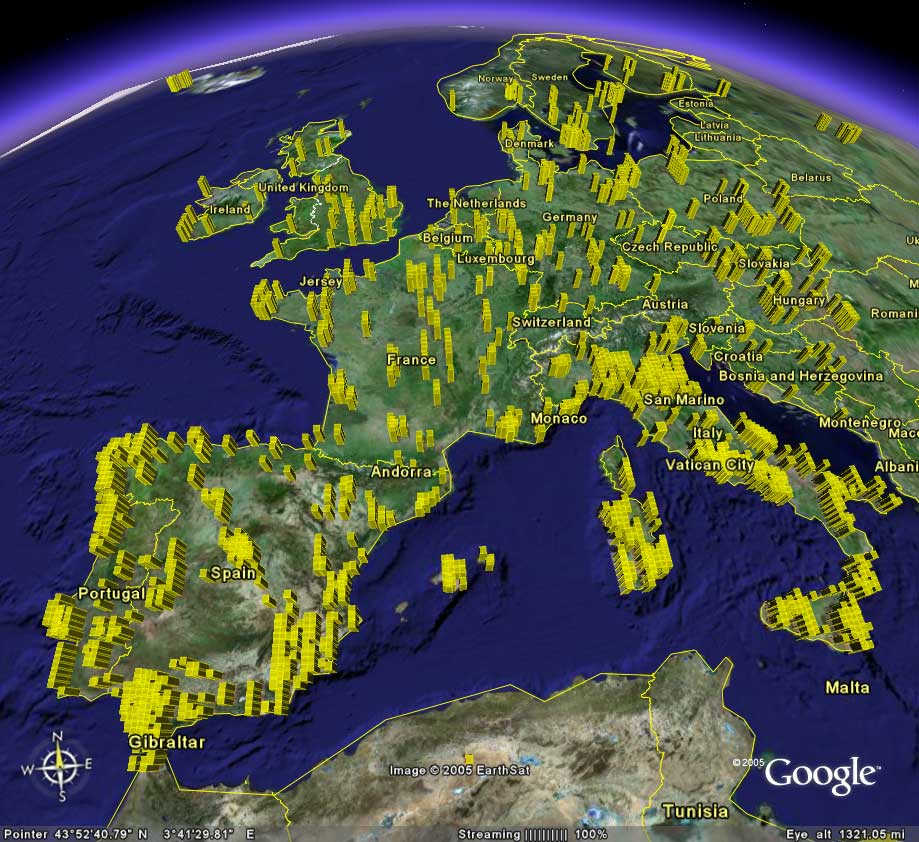
Additional Screen Shots:
Links:
Google Earth
learn more
features
faq
top spots
products
pricing
flickr tag: googleearth
John Battelle (“Now tell me that search isn’t the new GUI….”)
Fred Wilson
Slashdot
Blog News Channel
Search Engine Watch
sincere theory
Got Root?
Harry Love (Tour de France)
wongablog
Doctorvee
Savvy Technologist
Google Earth Hacks
Tags: google, googleearth, techcrunch, web2.0, maps, keyhole